Gaming Thumbnails That Get Clicks
What separates viral gaming thumbnails from the rest? We analyzed top creators to find out.
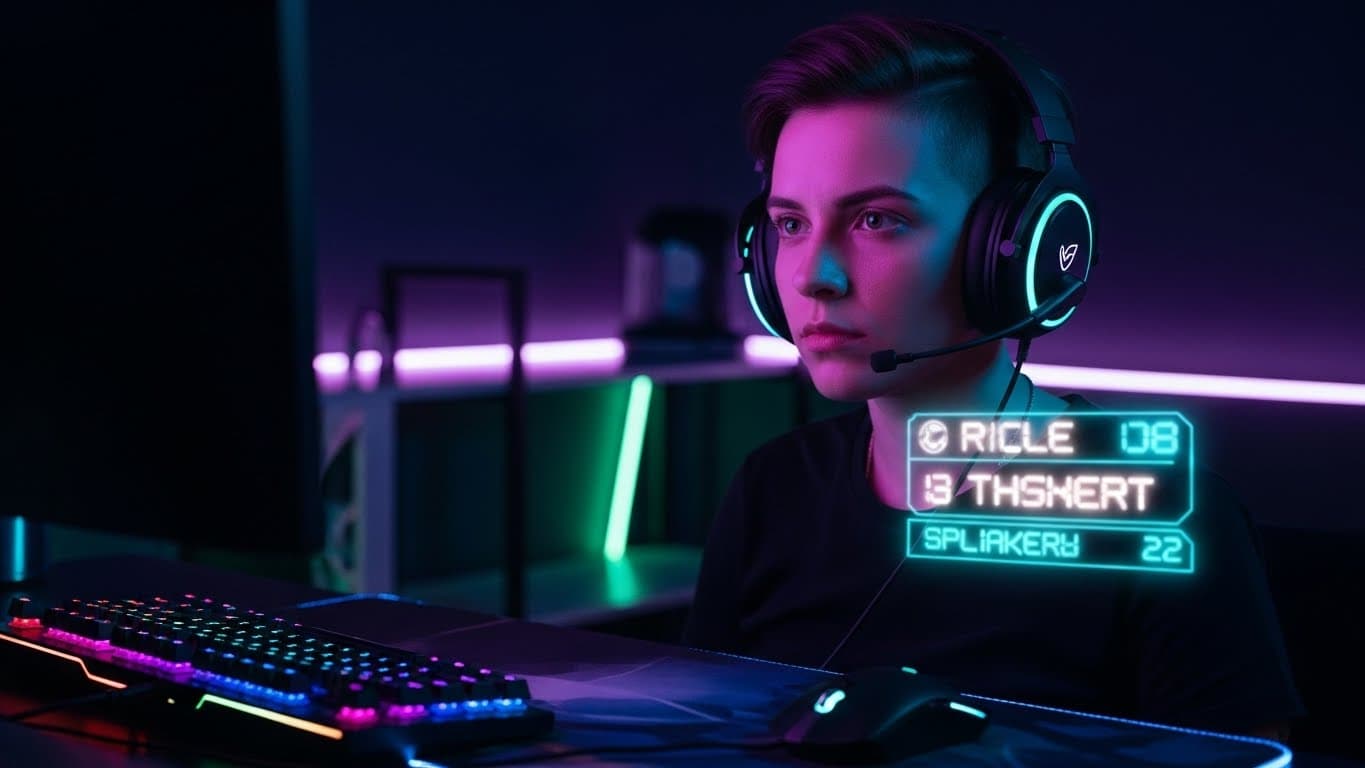
Gaming is one of the most competitive niches on YouTube. With millions of creators uploading daily, your thumbnail is often the only thing standing between your video and complete obscurity.
We studied thumbnails from channels like MrBeast Gaming, Markiplier, Jacksepticeye, and PewDiePie to understand what makes gaming thumbnails work. Here's what we learned.
The Anatomy of a Viral Gaming Thumbnail
Great gaming thumbnails share common elements, but they combine them in ways that feel fresh and exciting. Let's break down the key components:
Show Emotion, Not Just Gameplay
The most clicked gaming thumbnails feature expressive faces — shock, excitement, fear. Your reaction tells viewers what they'll feel.
Use High-Contrast Colors
Gaming feeds are crowded. Bright, saturated colors with dark backgrounds make your thumbnail pop. Think neon greens, electric blues, and hot pinks.
Create Visual Tension
Show conflict, danger, or stakes. A character about to be hit, a close call, or a dramatic moment creates curiosity about what happens next.
Make the Game Recognizable
Include iconic game elements — characters, logos, or distinctive visuals. Viewers should instantly know what game they're about to watch.
Examples That Work
Let's look at some examples of gaming thumbnails that nail these principles:

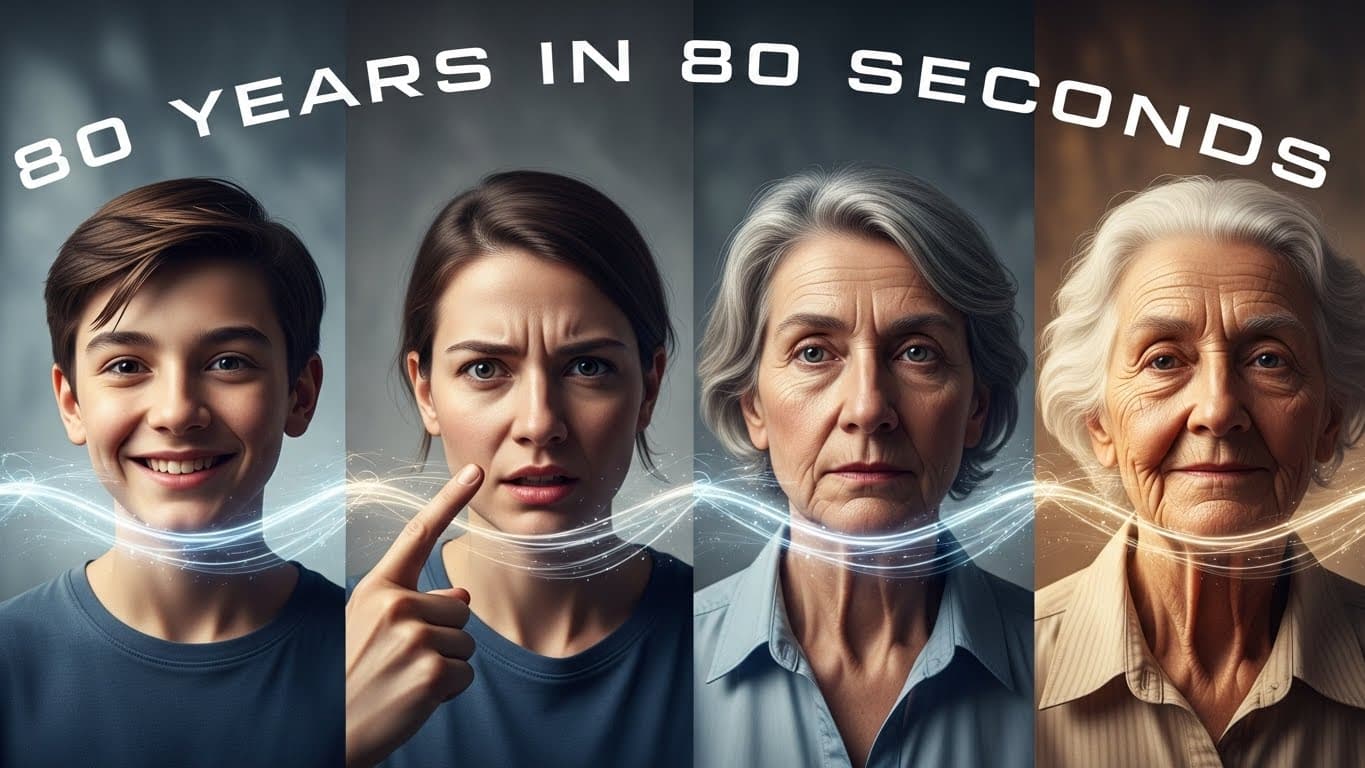

Notice how each thumbnail has: clear focal points, high color contrast, and creates curiosity about the content.
Common Mistakes to Avoid
Even experienced gaming creators make these thumbnail mistakes:
1. Screenshot-Only Thumbnails
Raw gameplay screenshots rarely work as thumbnails. They're often dark, busy, and don't stand out. Always add elements — your face, text, graphics — to make the thumbnail pop.
2. Too Much Text
Gaming thumbnails should have minimal text — usually just 2-3 impactful words. Your title handles the details; your thumbnail should create emotion and curiosity.
3. Inconsistent Branding
Top gaming channels have recognizable thumbnail styles. Viewers should be able to spot your videos in their feed. Develop a consistent color scheme, font, and layout.
4. Ignoring Mobile Viewers
Over 70% of YouTube viewing happens on mobile. If your thumbnail isn't clear at small sizes, you're losing most of your potential audience.
Game-Specific Tips
Minecraft Thumbnails
Minecraft's iconic blocky style is instantly recognizable. Use bright, saturated colors and focus on impressive builds, dramatic moments, or exaggerated reactions. The casual, fun vibe of Minecraft means thumbnails can be more playful.
Horror Game Thumbnails
Fear sells. Show your terrified reaction alongside the scary element. Dark backgrounds with a single bright element (your scared face, a monster) create drama. Red and green color grading enhances the creepy vibe.
Battle Royale Thumbnails
Show action, show stakes. Victory screens, close combat, or dramatic moments work well. Include win counts, kill numbers, or challenge text to add context.
Simulation/Strategy Thumbnails
These games are more cerebral, so focus on impressive results or absurd situations. "I built a city that..." or "What happens when..." scenarios create curiosity.
The AI Advantage for Gaming Thumbnails
Creating gaming thumbnails manually is time-consuming. You need to capture the right moment, extract your face, composite everything together, add text, and adjust colors — all while trying to upload regularly.
This is where AI thumbnail generators shine. Tools like Thumbly can:
- Generate multiple thumbnail variations in seconds
- Automatically embed your face into dramatic compositions
- Apply game-appropriate color grading and styles
- Maintain consistent branding across all your videos
For gaming creators who upload frequently, AI tools can save hours per week while actually improving thumbnail quality.
Start Creating Better Gaming Thumbnails Today
Great gaming thumbnails aren't about artistic skill — they're about understanding what makes viewers click. Apply these principles consistently, and you'll see your CTR improve.
Remember: every video deserves a thumbnail that does it justice. Don't let weak thumbnails hold back great content.